01
Single-image retouch
Start with
One white-background jewelry photograph.
You get
A first-pass result to inspect and refine in Photoshop.
Jewelry Imaging · Photoshop
Choose the right workflow for your images. Start with a small test before using it across a collection.
Available for a private test
Start with
One white-background jewelry photograph.
You get
A first-pass result to inspect and refine in Photoshop.
Start with
A folder of jewelry product photographs.
You get
A layered PSD for each successful image. Keep Photoshop and your computer running.
Start with
A jewelry photograph to use as a drawing reference.
You get
A line-art layer to refine, not a dimensioned technical drawing.
Before your first test
Bring a small set of representative white-background images, including the metals and stones your team works with.
Check stones, prongs, edges and surface finish on every result. AI output still needs a professional review.
Image processing uses an external service. Review image handling and agree the test scope before sending production files.
Image handling & FAQ ↗In development · Not available yet
Three directions being explored. These concept images illustrate the intent, not results from released tools.
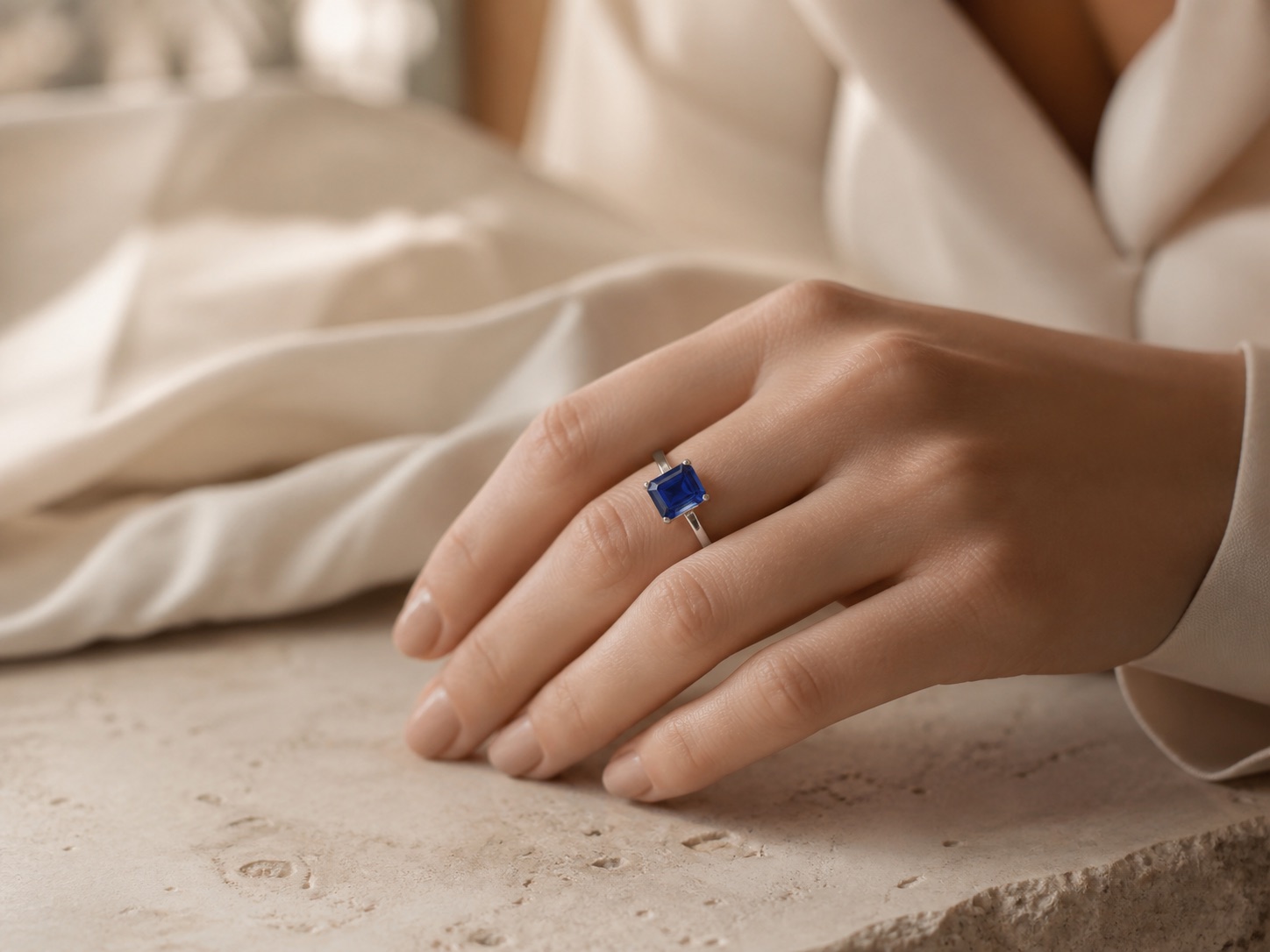
Refining jewelry in model and lifestyle photographs.
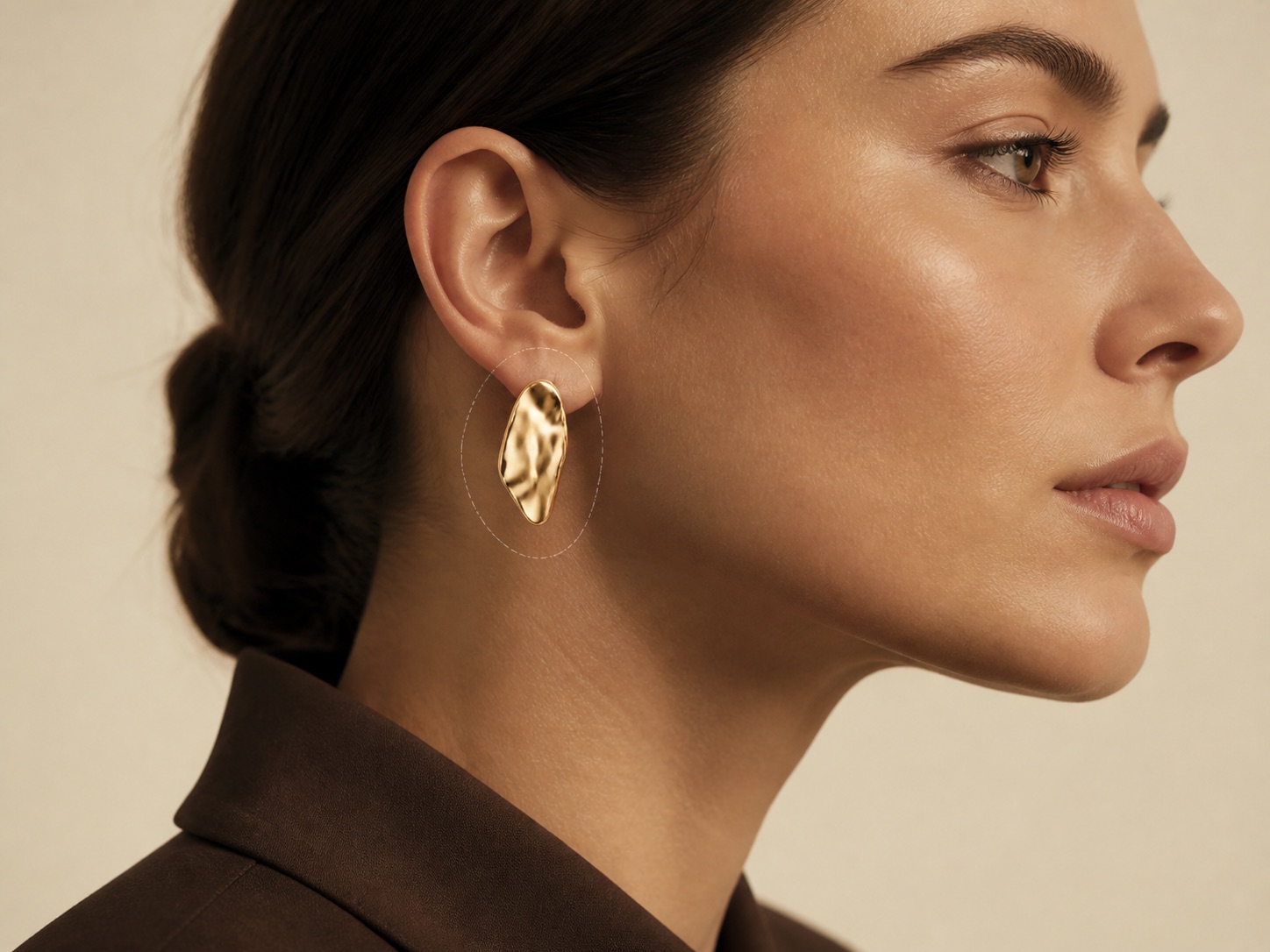
Exploring previews of jewelry worn on a model.
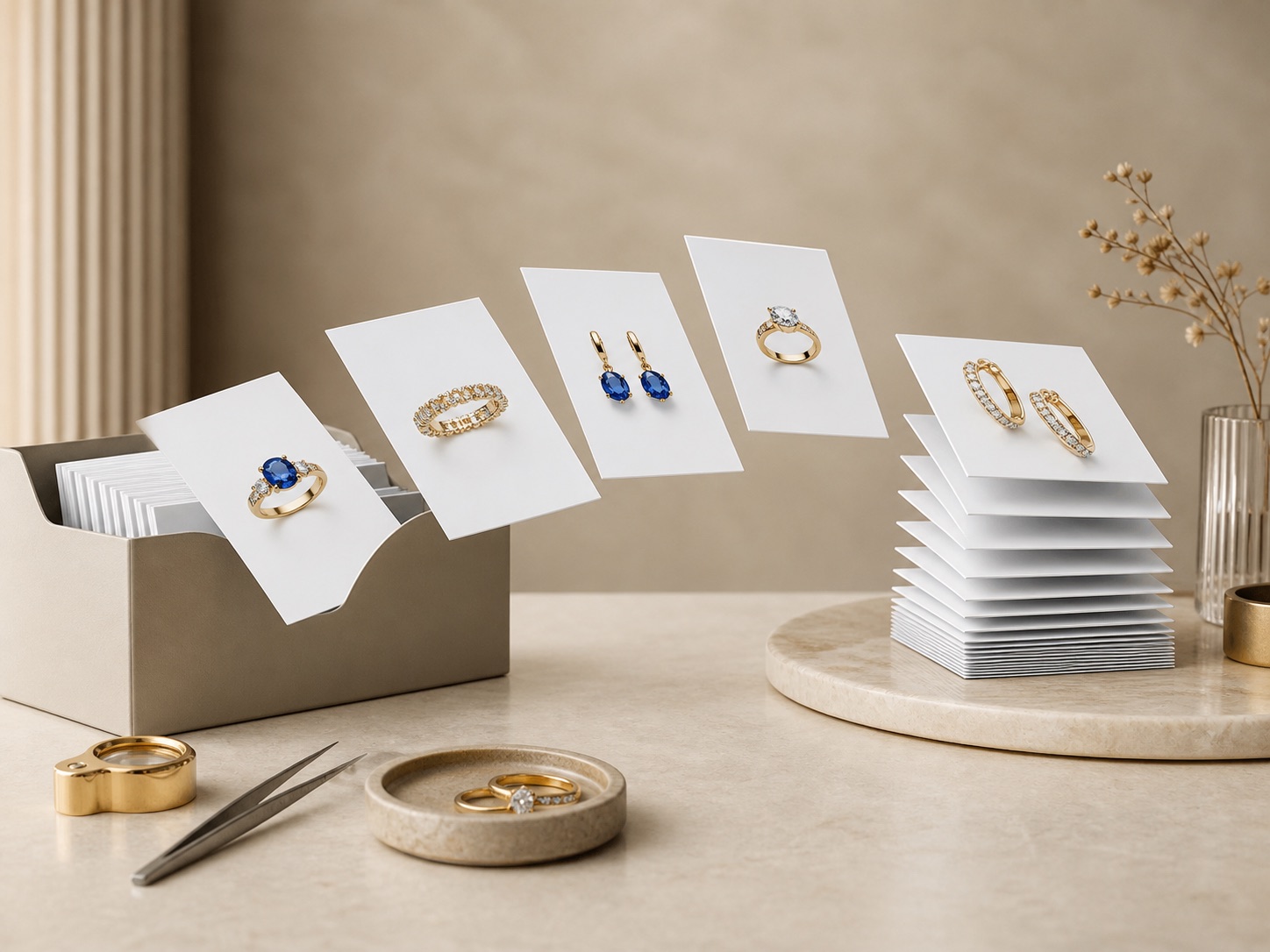
Exploring larger image queues beyond the desktop workflow.
Private test
Tell me what you photograph and which task takes the most time. We’ll agree a small test and review the results together.
Discuss a test